Second-Device Cheating in Online Exams: What Network Enforcement Blocks, and What It Can't
Second-device pivots let candidates relay AI answers through a phone or second device outside the exam window. Here's why proctoring misses it and how network-layer enforcement blocks it.

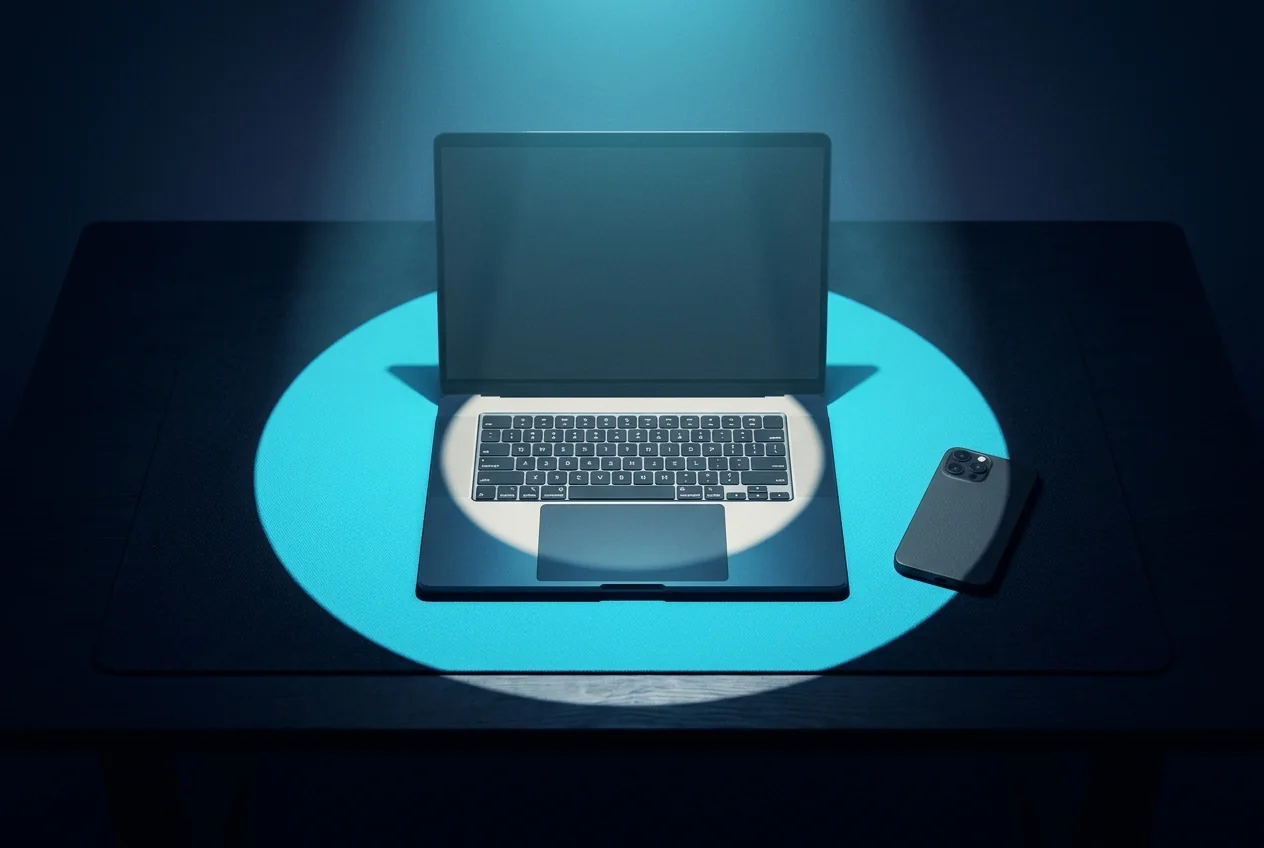
A candidate reads the exam question, glances at a phone below the webcam's field of view for two seconds, the same motion as checking the time, and types the answer a language model just gave them. Nothing about that glance trips a gaze-tracking alert. Nothing about it touches the browser. The proctoring software reports a clean session, because a second device sitting just outside the camera's frame was never something it was built to see.
This is a second-device pivot: routing exam content, or an AI-generated answer, through hardware the primary proctored device never controls. Here's why browser-based and webcam-based tools miss it, and what actually closes the gap.
Key Takeaways
- A second-device pivot uses a phone, tablet, or second laptop outside the monitored device to receive AI assistance or relay exam content, bypassing browser- and webcam-based controls entirely.
- Webcam proctoring is built to catch a candidate looking away for an extended period. A two-second glance at a phone is functionally indistinguishable from a candidate thinking.
- Lockdown browsers only see the browser's own window; a second device on the same Wi-Fi network is invisible to application-layer monitoring by design.
- Network-layer enforcement covers every interface on the primary device (not just the main connection), so a phone tethered as a hotspot doesn't create an unmonitored path off the exam.
- A phone on its own cellular connection never touches the exam device, so no control on that device can block it. Plan room-level controls for it.
How the Pivot Works
The mechanics are simple, which is exactly why they're hard to catch behaviorally. The candidate reads the question on the proctored device, moves it (mentally or by typing) to a second device, an AI assistant or a person on the other end generates a response, and the candidate reads or copies it back. None of that requires the proctored device to do anything unusual. The proctored device's screen, camera feed, and browser tab all look exactly like a normal exam session, because from the proctored device's perspective, nothing happened.
Why Gaze Tracking Doesn't Catch It
Gaze and behavioral proctoring is tuned to flag sustained or repeated looking-away, the pattern of someone reading answers off a second screen for an extended stretch. A brief downward glance to check a phone doesn't fit that pattern. It looks like a candidate pausing to think, because externally, that's exactly what it looks like.
Why Lockdown Browsers Don't See It
A lockdown browser enforces rules inside its own window: no new tabs, no copy-paste, no navigating away. It has no visibility into a second physical device connected to the same Wi-Fi network, because that device never touches the browser process at all. This is a scope limitation of the category, not a bug in any specific product.
What a Sealed Exam Device Covers, and What It Doesn't
Be precise here, because this is where vendors overclaim. A control on the exam device can only stop a second device whose traffic or display runs through the exam device. Aiseptor seals the exam device for the session. That covers:
- Tethering and hotspots. The session policy applies across every network interface on the exam device, so a phone shared as a hotspot does not open a path off the exam.
- Second screens and mirroring. HDMI and wireless projection driven from the exam device are controlled, so exam content cannot be pushed to a display the camera can't see.
- Remote relays. Remote-access tools on the exam device cannot reach their relay servers, so nobody on another device can see or drive the exam.
- An ephemeral enclave, not a permanent agent. The policy applies only for the session and leaves no software behind.
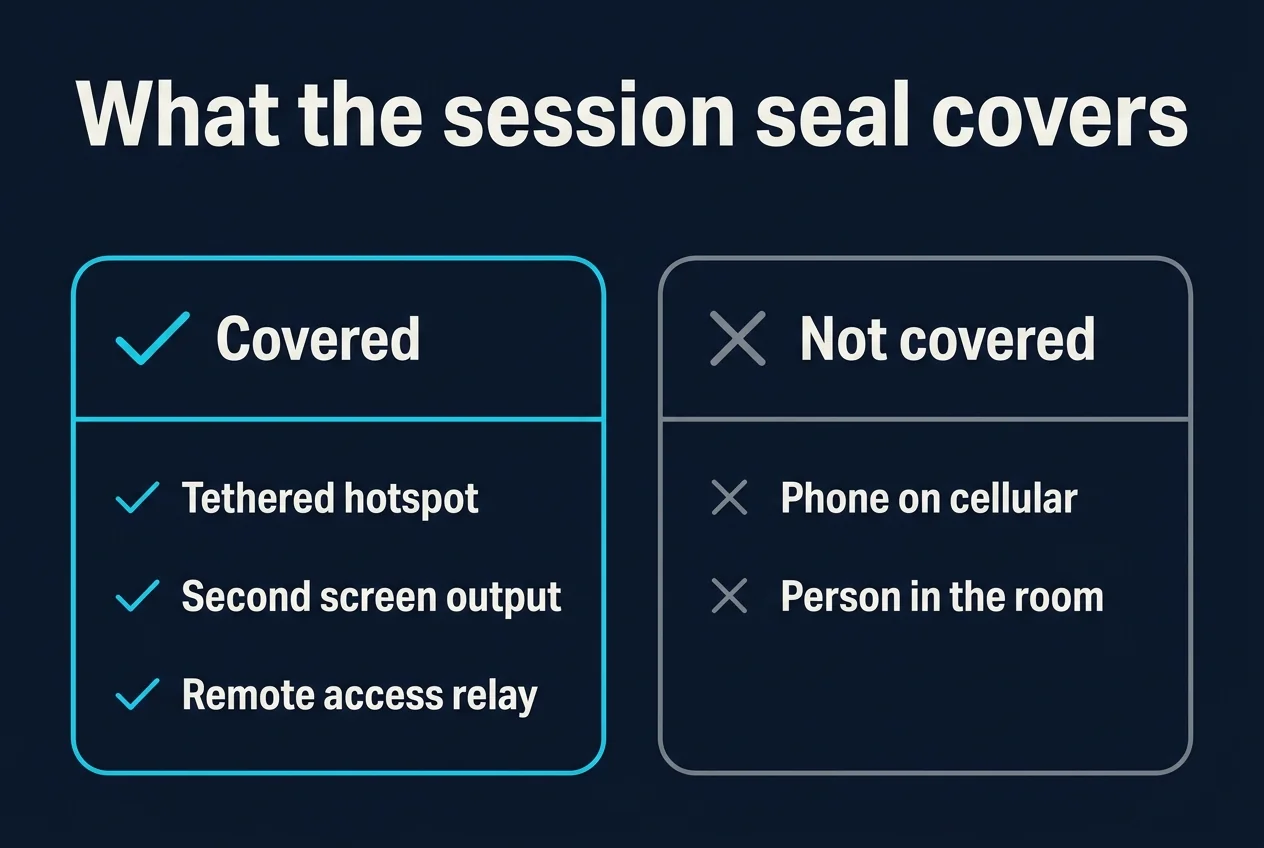
It does not cover a phone on its own cellular connection that never touches the exam device, or a person in the room. Nothing running on the exam machine can see either one. Those need room-level controls: a camera angle that shows the desk, invigilation where the stakes justify it, and item design that makes a two-second lookup less useful.
Where This Fits in a Broader Defense
Second-device pivots are one entry in a wider set of techniques (invisible overlays, on-device LLMs, remote-access tools) that all share the same underlying requirement: reaching an AI model or a remote party the exam didn't authorize. Aiseptor enforces a single default-deny policy that closes the ones running through the exam device at once, rather than building a separate detector for each new device pattern. See the full architecture, or request free access to test it against your own assessment.
Frequently Asked Questions
What is a second-device pivot in online exams?
It's the use of a phone, tablet, or second computer outside the monitored device to receive AI-generated answers or relay exam content, bypassing browser- and webcam-based controls that only observe the primary device.
Can a lockdown browser detect a phone being used to cheat?
No. A lockdown browser only controls its own application window and has no visibility into a separate physical device on the same network.
Does webcam proctoring catch this?
It can catch sustained or repeated looking-away, but a brief glance at a phone is hard to distinguish from normal thinking behavior, so it's an unreliable signal against this specific technique.
How does network-layer enforcement stop a second-device pivot?
It closes the routes that run through the exam device: tethered hotspots, screen mirroring and remote-access relays. It does not stop a phone on its own cellular connection, which needs room-level controls.
Does this require a kernel driver or persistent software?
No. Aiseptor's enclave is session-scoped and removes itself completely when the exam ends.
Is this compatible with our existing proctoring vendor?
Yes. It's designed to run alongside webcam and behavioral proctoring, covering the device and network layer those tools don't reach.